Building ankerd.nl: a home for a convention channel
Ankerd makes convention videos, blog posts and photos, and all of it was scattered across YouTube, Instagram and Twitter. I built one site that pulls it together, and it keeps its video page up to date on its own.
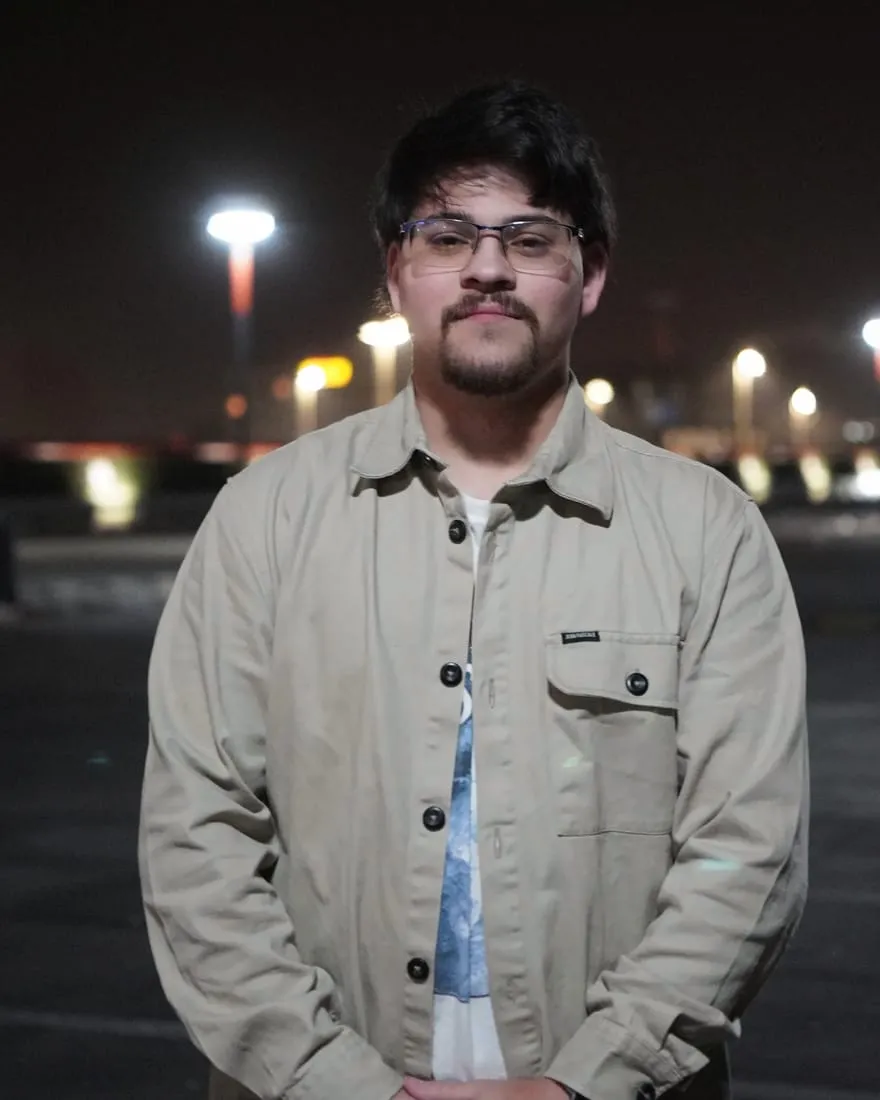
Ankerd is Gavin’s convention channel: videos from cons, blog posts, and a steadily growing pile of photos. It’s my own group, so this is a project I’m part of rather than one I was hired for.
All of it lived on other people’s platforms. The videos were on YouTube, the photos on Instagram, and the updates on Twitter. There was no single place you could send someone and say this is Ankerd. So in July I built ankerd.nl.
Three kinds of content, one site
The site has three sections, and each one takes its content from a different place.
- Videos come straight from YouTube. The site asks YouTube for the latest uploads while it builds, so nobody has to copy a link over by hand.
- Photos are one entry each, with a title, an optional description, and optional camera, lens and settings for anyone who cares about how the shot was made. Clicking a photo opens a lightbox.
- Blog posts are ordinary articles, with an RSS feed for anyone who still reads that way.
The home page shows the newest of all three: a video up top, then an about section, a photo mosaic and the latest posts, with the newest post shown as a magazine cover.
Nobody should have to touch code to post
The site is Gavin’s, and he isn’t going to write Markdown files in a code editor to share a photo. So I added a small content editor, Keystatic, that runs inside the site. Blog posts and gallery photos are edited in forms, and each save becomes a commit in the project’s repository. The site stays a plain static site with nothing to log in to and nothing to break, and the content still has a proper editor.
A video page that keeps itself current
A static site only knows what was true when it was built. For blog posts that’s fine, because a new post means a new build anyway. New videos are the problem: they’re uploaded to YouTube, not to the site.
The fix is small. The site rebuilds itself every morning, and each build picks up whatever went up on YouTube since the day before. A build also never fails because of YouTube. If the API key is missing or YouTube doesn’t answer, the video page shows a “coming soon” state and the rest of the site ships as usual.
One brand across two projects
Ankerd has a second project I’ve worked on: Ankerd Con, a private app the group uses to organise trips to conventions. I wrote about that one separately. The two started with different colour schemes. When the app moved to a clear sky blue, I moved the site to the same palette, and later I gave the site’s notice boxes the same look as the app’s. Someone who uses both should feel they’re in the same place.
Small things that make it feel finished
Most of the later work was the kind nobody notices unless it’s missing:
- Light and dark mode that follow the visitor’s system and can be switched by hand, without a white flash on load.
- A bottom nav bar on phones instead of a hamburger menu, since the site only has four sections.
- Images that load in the right order. The ones in view load first and the rest wait until you scroll to them. An Astro audit caught two that were set the wrong way round.
- One icon set in place of a dozen hand-pasted SVGs, with proper brand marks for YouTube and GitHub.
- Clean-up. I removed a hosting adapter the site no longer needed, and made sure no API key was sitting in the example config.
The site’s code is open on Gavin’s GitHub, as ankerd-org.
What I took from it
This was a small project, and small projects are where shortcuts are most tempting. A cron job for a video list seems excessive until you picture the alternative: a site that is slightly out of date every time Gavin uploads, until he remembers to redeploy it. It’s the same thing I think about on client work. The owner shouldn’t have to know how the site works in order to keep it current.
Want a site that keeps itself up to date? Let’s talk.